
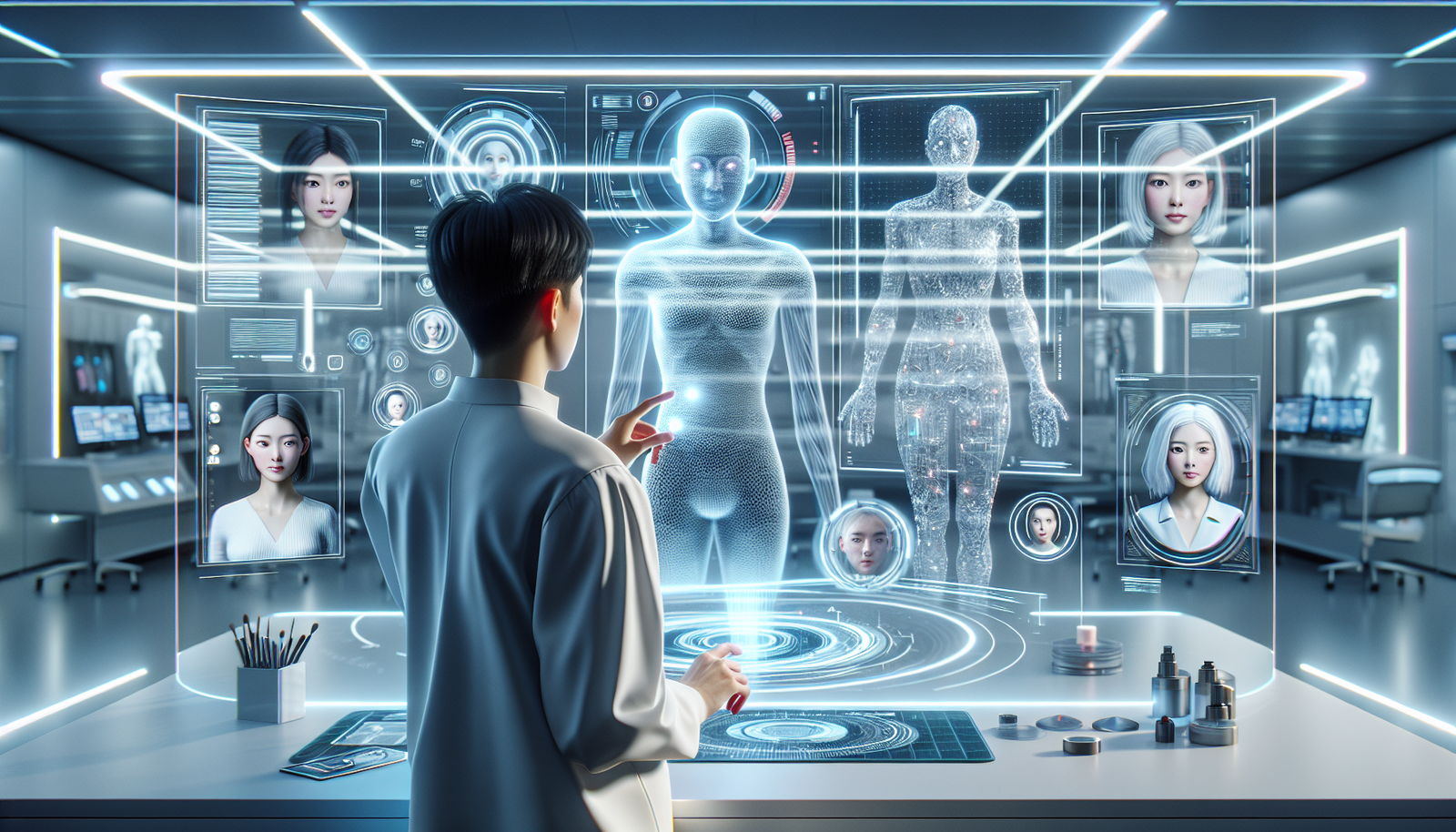
How to Create AI Avatars That Look 100% Realistic
In today’s digital age, creating realistic AI avatars has become more accessible than ever. With advancements in artificial intelligence and deep learning, you can generate avatars that look remarkably like real people. Whether you want to create a virtual assistant, an influencer, or simply a fun character for social media, this guide will walk you through the steps to make your AI avatars 100% realistic.
What is an AI Avatar?
An AI avatar is a digital representation of a person, created using artificial intelligence and computer graphics. These avatars can mimic facial expressions, speech, and even body language. They are increasingly used in various fields, including marketing, gaming, virtual reality, and customer service.
Why Create Realistic AI Avatars?
There are several reasons to create realistic AI avatars, including:
- Enhanced Engagement: Realistic characters engage audiences better than cartoonish figures.
- Brand Identity: A lifelike avatar can help establish a stronger brand presence.
- Personalization: Users appreciate personal touches, making interactions more meaningful.
Steps to Create Realistic AI Avatars
Step 1: Choose the Right Tools
The first step in creating a realistic AI avatar is selecting the right software or platform. There are various tools available, each with its own set of features. Here are a few popular options:
- Reallusion Character Creator: This tool allows you to create realistic 3D characters with a wide range of customization options.
- Artbreeder: A web-based app that lets you blend images to create unique avatars.
- Avatarify: This tool uses AI to animate your avatar based on your facial expressions.
Step 2: Gather Reference Images
Collecting reference images is crucial for achieving realism. These images will serve as a guide for facial features, skin textures, and overall appearance. Consider the following:
- Look for high-quality photographs of people that resemble the character you want to create.
- Pay attention to different angles—profile, front, and three-quarter views are essential.
- Observe skin tones, eye colors, hair types, and any unique traits that add character.
Step 3: Design the Avatar’s Features
With your references in hand, start designing your avatar. This step typically involves the following:
- Face Shape: Utilize software tools to sculpt the avatar’s face based on your references.
- Eyes: Focus on creating realistic eyes with textures and reflections that look lifelike.
- Hair: Choose from various hair types and colors. Many avatar tools allow you to customize the hair physics.
- Skin: Pay special attention to skin textures and imperfections to enhance realism.
Step 4: Utilize AI Technologies
To make your avatar appear even more lifelike, leverage AI technologies. Here’s how:
- Deep Learning: Use deep learning algorithms to refine the avatar’s features based on large datasets of human faces. This technique can help generate more realistic expressions and textures.
- GANs (Generative Adversarial Networks): These are used to create high-quality images by training the model on numerous images. GANs can help create unique and realistic faces.
- Facial Animation: Implement facial motion capture technology for accurate expression rendering.
Step 5: Add Animation and Motion
Realistic avatars come to life with movement. Here’s how to animate your avatar:
- Facial Expressions: Use motion capture or keyframe animation to add realistic facial movements.
- Body Language: Consider using full-body tracking systems to capture and animate body movements accurately.
- Voice Synchronization: Implement AI-generated voice or sync your avatar’s mouth movements with real speech.
Step 6: Test and Refine
After animating your avatar, it’s essential to test it thoroughly. Check for the following:
- How well does it perform in various lighting conditions?
- Does the animation look smooth and natural?
- Are the expressions convincingly realistic?
Make adjustments as needed based on your observations. This iterative process will help ensure the final product looks as realistic as possible.
Use Cases for Realistic AI Avatars
Realistic AI avatars have a diverse range of applications. Some notable use cases include:
- Virtual Assistants: Businesses can create AI avatars that serve as customer service representatives, providing assistance and answering inquiries.
- Online Learning: Educational platforms can utilize lifelike avatars to enhance engagement and facilitate learning experiences.
- Gaming: Realistic avatars are crucial in games, allowing players to connect with characters on an emotional level.
- Social Media Influencers: Some brands use AI avatars to represent their identity on platforms like Instagram and TikTok.
Tips for Creating Stunning Realistic AI Avatars
To enhance the quality of your AI avatars, keep the following tips in mind:
- Stay Updated: Technology is constantly evolving. Keep learning about new tools and techniques.
- Seek Feedback: Share your avatars with friends or colleagues to gather constructive feedback.
- Experiment: Don’t be afraid to try different styles, features, or technologies.
- Incorporate Diversity: Creating diverse avatars can help represent a broader audience.
Conclusion
Creating realistic AI avatars is an exciting endeavor that combines technology, creativity, and a touch of artistry. By following the steps outlined in this guide, you can craft lifelike avatars that capture attention and engage your audience.
As you embark on your avatar creation journey, remember to continually experiment and refine your techniques. The more you practice, the better your avatars will become! Start bringing your ideas to life today and explore the limitless possibilities with realistic AI avatars.
If you found this guide helpful, consider sharing it with others interested in digital creation or let us know your thoughts in the comments below!